Property Management Website Examples: Two Concepts and a Practical Review Rubric
Compare DoorHQ's fictional Shoreline and Fieldwork concepts using owner clarity, service detail, mobile tasks, and inquiry-path criteria without assuming performance results.

Luke R.
Co-founder, DoorHQ
Key takeaways
Commercial pages this guide supports
Recommended next step
Turn this topic into a clearer website and SEO plan.
DoorHQ can review your site, keyword targets, internal links, and owner inquiry path so you know what to fix first.
Practical checklist
7 points to work through.
- 1Shoreline and Fieldwork are fictional DoorHQ concepts, not client case studies.
- 2Judge the complete owner task, not just the first screen.
- 3Use the rubric to turn design preferences into a clear project brief.
- 4Review the what these examples show section and turn it into one on-page improvement.
- 5Review the shoreline: a focused owner journey on one page section and turn it into one on-page improvement.
- 6Review the fieldwork: a broader website with separate page roles section and turn it into one on-page improvement.
- 7Review the use a rubric that asks for evidence section and turn it into one on-page improvement.
Related reading
What these examples show
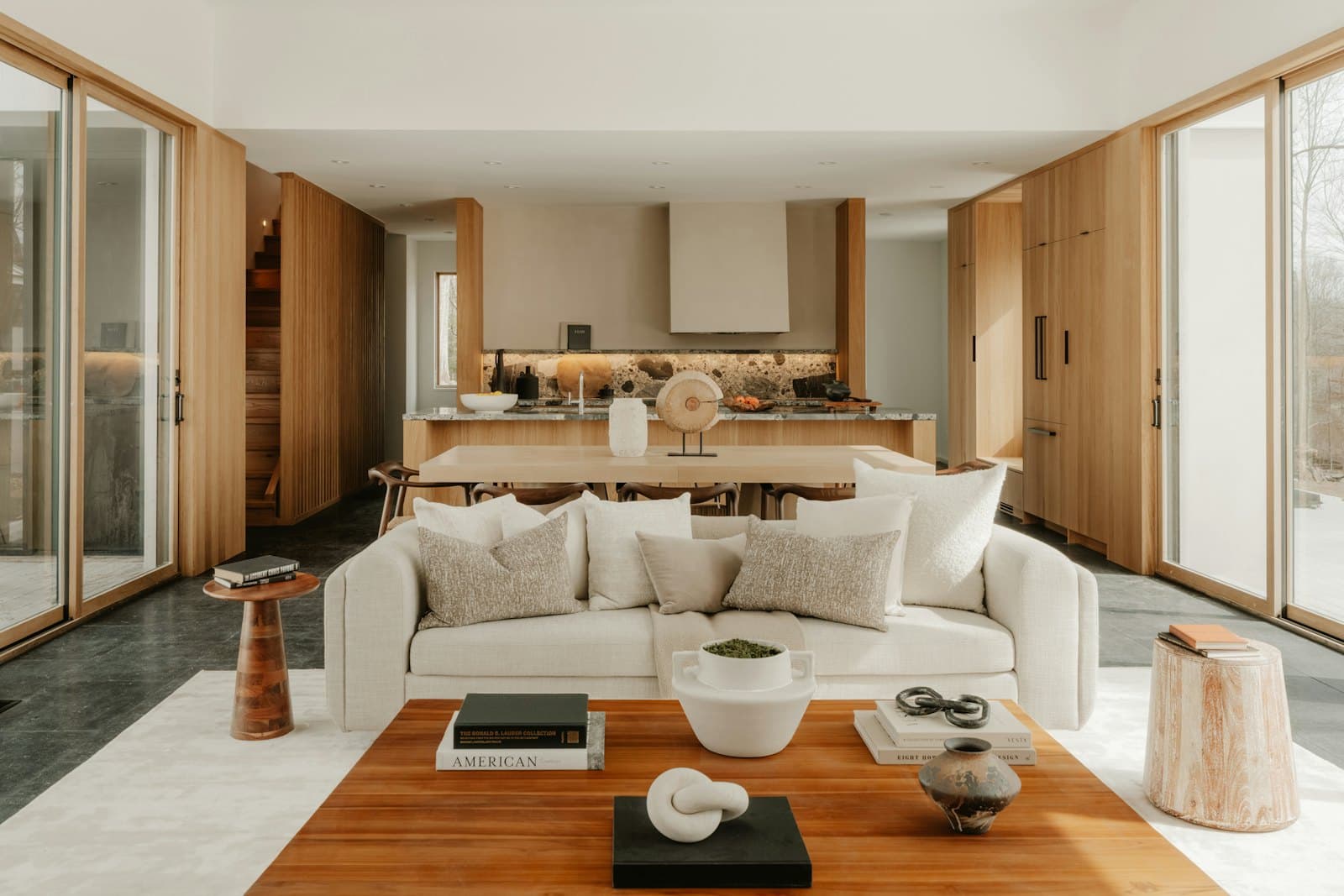
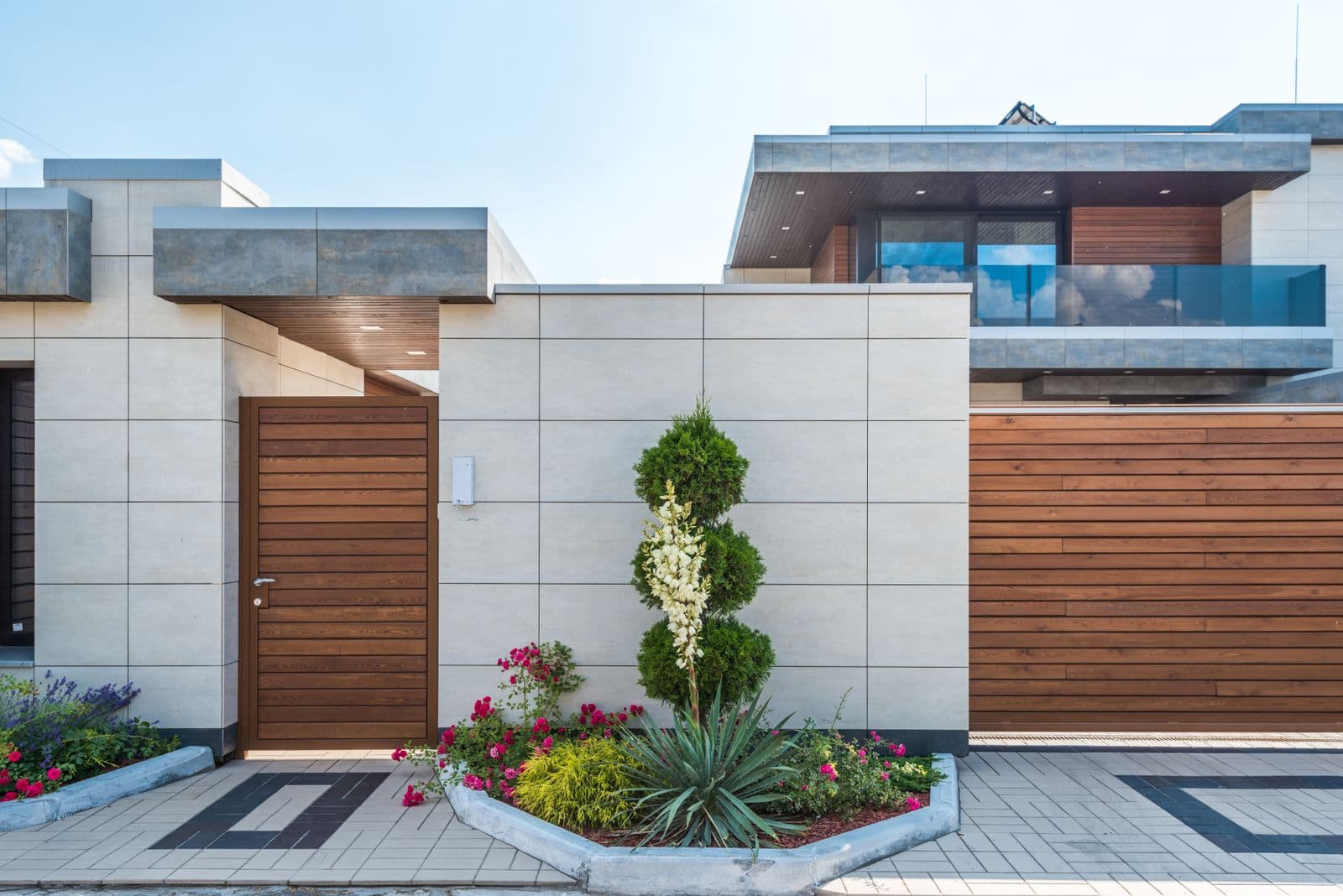
DoorHQ's example library contains two fictional property management brands: Shoreline, a Sarasota concept, and Fieldwork, an Austin concept. The review notes here refer to the concept versions reviewed on September 25, 2026. Their property and lifestyle photography is illustrative stock imagery, not evidence of client properties, staff, or endorsements.
These concepts demonstrate layouts, content structure, navigation, and sample inquiry interactions. They do not demonstrate a live property management operation, verified service coverage, search rankings, conversion rates, or signed management agreements. Their forms preview an interaction; they do not send or save an inquiry.
Use them to decide which approach fits the information your business needs to communicate. Before adapting either direction, replace fictional service claims with approved business facts and connect production functions only after their requirements are agreed.
Shoreline: a focused owner journey on one page
Shoreline presents a Sarasota property-management proposition, explains leasing, maintenance, and owner reporting, and leads toward a sample rental-analysis inquiry. Navigation moves between owner information, services, a property inspiration gallery, and the process. Service panels let a visitor explore more detail before starting the inquiry.
The sample form asks about location and property type before showing contact fields. A useful review task is to choose a service, start the form, return to edit the property, and read the completion state. Use sample details only. The demo explicitly states that nothing is sent and no rental valuation is produced.
This direction is worth considering when one market and a focused set of services can be explained coherently on a single main page. A real business would still need accurate support pages, required business information, working portals where relevant, and a dependable inquiry backend.
Apply this to your site
DoorHQ can turn this topic into pages, metadata, forms, and tracking for your market.
Fieldwork: a broader website with separate page roles
Fieldwork uses an Austin rental-owner proposition and separate destinations for services, residential management, leasing, locations, owner services, the company approach, guides, and contact. This makes it possible to explore how each page can answer a different owner question while preserving a common visual language.
The location area illustrates a browseable service-area structure. The owner guide covers preparation, leasing, fees, and handover questions. Its content is illustrative; a real business must verify the service and local facts before adopting them. The contact page previews fields for property type and management priority, with an explicit demo completion state.
This direction can suit a business with enough distinct services and owner questions to justify a broader architecture. More pages also create more responsibility for content accuracy, navigation, and maintenance. Page count by itself does not make the site a better fit.
Use a rubric that asks for evidence
Review each dimension as clear, needs work, or not verified. Keep a note showing what you observed. Avoid adding the labels into a numerical 'SEO score'; they are design-review findings, not a prediction of rankings or revenue.
| Dimension | Task to perform | Evidence to record |
|---|---|---|
| Owner clarity | Explain who the company serves after reading the opening section | Market, property type, service, and next step found or missing |
| Service scope | Find what management includes and what requires a proposal | Specific answers and unresolved questions |
| Local fit | Check whether your example property's area is covered | Coverage information and edge-of-area inquiry route |
| Mobile usability | Navigate, open service details, and complete the sample form | Any obstructed controls, unclear labels, or lost entries |
| Trust and evidence | Distinguish real evidence from illustrative content | Source, permission, context, and accurate image labeling |
| Inquiry continuity | Follow submission through confirmation and team receipt | Demo interaction can be reviewed; production delivery needs a separate test |
Work through a comparison for a specific brief
Suppose your business accepts one main property type in one market and needs a clear explanation of management plus an inquiry form. Start by testing whether a focused Shoreline-style sequence answers the owner's questions without burying the service details. Do not add extra pages merely to imitate a larger company.
Now suppose the business offers distinct leasing and full-management services across a genuine broader footprint. Test whether a Fieldwork-style structure helps users choose the right service and coverage information. Ask what original facts will fill every page and who will maintain them.
In both cases, review owner and renter routing, actual fees or quote inputs, approved proof, and portal requirements. Neither concept establishes the answer for your company. They provide a concrete starting point for a brief and a usability discussion.
Turn the review into a build brief
Write the three things your owner should understand before contacting you. List the pages needed to answer those questions, the facts or images you can provide, and the functions that require a real connection to another system. Record what is unknown, such as portal access, calendar routing, or a listing feed.
Then request a written scope covering content, editing access, migration, integrations, launch testing, and support. Ask for proof of production behavior where a demo cannot provide it. A working sample form is a design reference; a real lead system needs verified delivery and ownership.
Use the cost guide to separate the website purchase from optional SEO and ongoing care, and the conversion guide to define the owner journey you will test before launch.
Sources and further reading
FAQ
Frequently asked questions.
Are Shoreline and Fieldwork DoorHQ clients?
No. They are fictional DoorHQ website concepts. Names, service scenarios, and sample interactions illustrate design approaches and must not be presented as client proof.
Can these examples show which design converts best?
No. A concept review can identify design choices and usability questions. A conversion comparison requires reliable observations from an actual website and a suitable evaluation method.